Macaroni vs MarkViewer: a reading window or an AI workbench
MarkViewer is free and wants to be the place you work with an AI agent: you read, edit, comment, hand the agent a prompt and review what it does, all in one window. Macaroni wants to be the place you read what the agent wrote, and nothing else. They are both good answers, to different questions about who should be writing the files.
Credit first. MarkViewer, by Seungbin Baik, is a free, native viewer and WYSIWYG editor for macOS 10.15 and later, downloaded from its own site. It has tabs, a file explorer, a table of contents, a built-in terminal and Mermaid diagrams. Its two headline features are built around AI agents. Ask Agent runs the Claude Code or Codex command line tool you already have on an isolated copy of the folder, and your file changes only after you review the diff and click Apply. The AI Review Loop lets you highlight passages, leave comments inline and hand the agent an editable prompt. When a file changes outside the app, a banner offers the diff to review, accept or dismiss. It works offline, with analytics that are opt-in and off by default. Nothing here costs money.
Side by side
| Macaroni | MarkViewer | |
|---|---|---|
| Price | $14.99 one time | Free |
| Distribution | Mac App Store, sandboxed | Direct download from its site |
| Writes to your Markdown | Never | Yes: editing, review comments, and agent changes you apply |
| Review comments | No | Yes, saved as HTML comments inside the Markdown file |
| Runs an AI agent | No; it reads what your agent writes | Yes, the Claude Code or Codex CLI you have installed |
| When a file changes outside the app | Live reload, and ⇧⌘D diffs against the version you last read, even after a quit | A banner with the diff, to review, accept or dismiss |
| Changed feed with unread tracking | Yes, including changes made while the app was closed | No |
| Folder | A live nested tree, searchable by name and content | A file explorer, with tabs |
| Mermaid | Yes | Yes |
| Maths, footnotes, alerts | KaTeX, footnotes, GitHub alerts | Not mentioned on its site or README |
| Quick Look | Yes, press Space in Finder | Not mentioned |
| Terminal | No | Built in |
| Network and analytics | No networking code at all | Offline; opt-in analytics, off by default |
| Minimum macOS | 15 | 10.15 |
Who writes the files
MarkViewer puts you in the loop as a co-author. You read the agent's plan, mark it up, send it back, and approve its next edit, without leaving the window. If that conversation is how you work, it is a remarkable amount of tool for nothing, and Macaroni has no equivalent of the comment-and-reply loop.
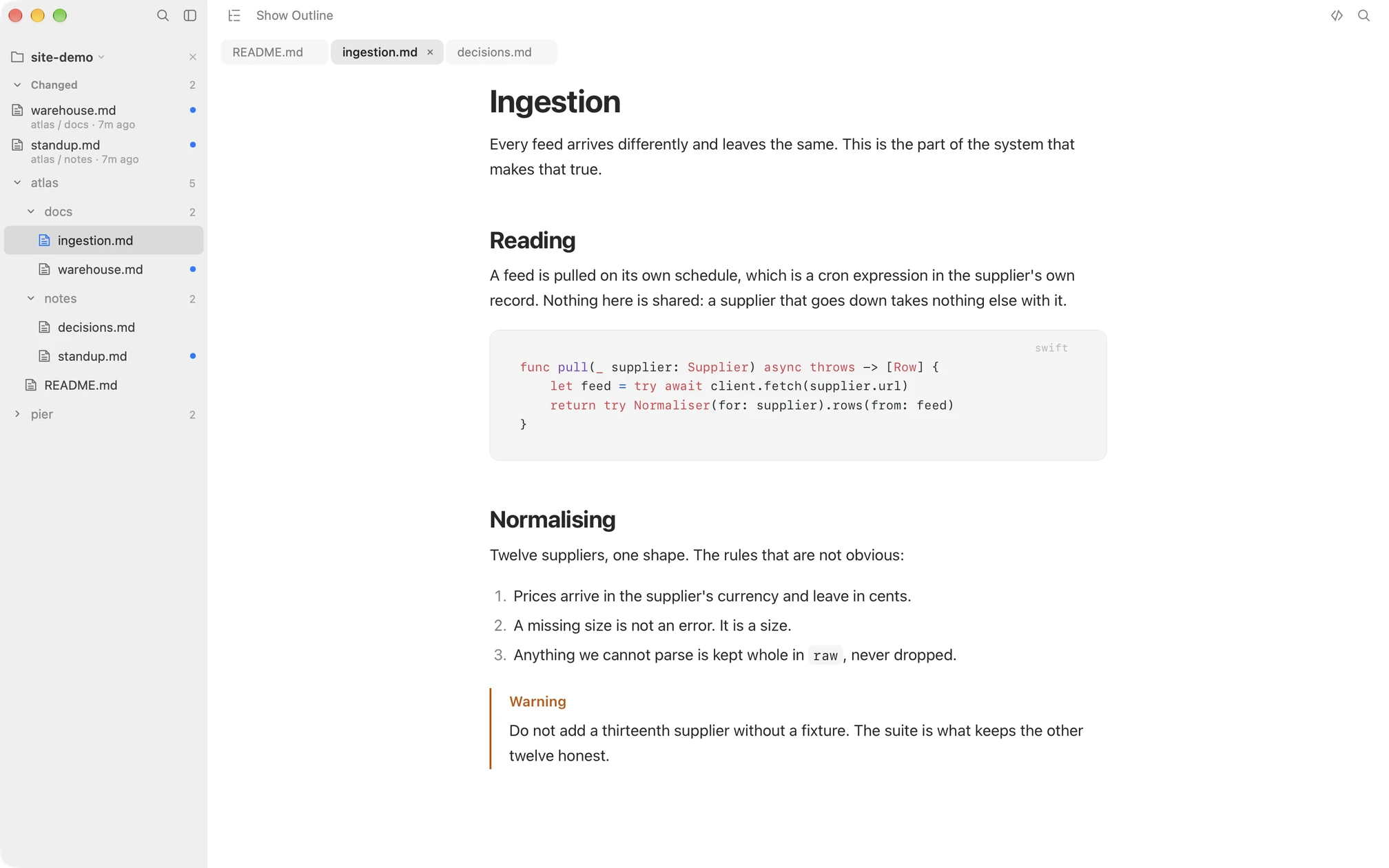
Macaroni keeps you out of the files entirely. The agent writes; you read. That matters in small ways that add up. Review comments stored as HTML comments live inside the plan, so the agent reads them on its next pass and your git diffs carry them until someone removes them. An editor open on a file the agent is saving can hold a stale copy. A window that cannot write has neither problem, and because it cannot write, it can stay open on the whole project all day.
Keeping up, not just reacting
MarkViewer's banner answers "this file just changed, do you want it?" while you have it open. Macaroni answers the question you have after time away: which files changed since I last read them, and what moved inside each one. The changed feed lists them newest first with unread dots, including files rewritten while the app was closed, and the diff starts from your last reading rather than from when the window opened.
Choose MarkViewer if
- You want to comment on an agent's plan and hand the feedback back from the same window.
- You want the agent run from inside the viewer, with its diff reviewed before it lands.
- You want to edit Markdown as well as read it, with a terminal beside it.
- Free is the budget, or your Mac runs a macOS older than 15.
Choose Macaroni if
- The agent owns the files, and you want a reading window that cannot write to them, not even a comment.
- You read in sittings and want a feed of what changed since last time, and a diff from your last reading, across quits.
- Your documents use maths, footnotes or GitHub alerts.
- You want Quick Look in Finder and an App Store sandboxed app.
Macaroni is a fast, read-only Markdown viewer for macOS: open one file like any viewer, or watch a whole folder and see what changed since you last read it. Mermaid, KaTeX, Quick Look, live reload. $14.99, one time, no subscription.
See what it does